The enclosure is the whole point
It holds chamber heat, and chamber heat is the reason ABS and ASA parts come off the plate flat instead of curling at the corners. This is the jump from hobby printing into materials you can put in a working part.
Bambu Lab
Enclosed CoreXY workhorse
An enclosed CoreXY machine that prints ABS and ASA properly. The best value-for-money jump from hobby printing into engineering materials, and the machine most small workshops end up buying.
Ask us for a price
We price printers per order so you get the current rate. Send us a message and we will come back with a quote and a lead time.
It holds chamber heat, and chamber heat is the reason ABS and ASA parts come off the plate flat instead of curling at the corners. This is the jump from hobby printing into materials you can put in a working part.
The head moves in X and Y while the bed only travels down, so a tall part is not being shaken back and forth on the plate as it grows. That is what lets it hold quality at speed rather than just moving fast.
Each AMS unit holds four spools and the printer takes up to four units — sixteen loaded filaments if a job genuinely calls for it. Most workshops run one and stop swapping spools by hand.
| Build volume | 256 × 256 × 256 mm |
|---|---|
| Motion system | CoreXY |
| Max speed | Up to 500 mm/s |
| Max acceleration | 20,000 mm/s² |
| Hotend | Up to 300 °C |
| Heated bed | Up to 100 °C |
| Enclosure | Fully enclosed, chamber temperature monitoring |
| Multi-colour | AMS (4 spools per unit, up to 4 units) |
| Materials | PLA, PETG, TPU, ABS, ASA, PC |
| Connectivity | Wi-Fi, Bambu Handy app, microSD |
Every machine we sell, on every spec any of them publishes. We would rather you bought the right one than the expensive one.
| Spec | Bambu Lab P1Sthis page | Bambu Lab A1 mini | Bambu Lab A1 | Bambu Lab H2D | Bambu Lab H2C |
|---|---|---|---|---|---|
| Build volume | 256 × 256 × 256 mm | 180 × 180 × 180 mm | 256 × 256 × 256 mm | ~325 × 320 × 325 mm | ~330 × 320 × 325 mm |
| Motion system | CoreXY | Cartesian (moving bed) | Cartesian (moving bed) | CoreXY with dual-nozzle IDEX | CoreXY with Vortek 8-hotend swap |
| Max speed | Up to 500 mm/s | Up to 500 mm/s | Up to 500 mm/s | Up to 1000 mm/s | Up to 1000 mm/s |
| Max acceleration | 20,000 mm/s² | 10,000 mm/s² | 10,000 mm/s² | 20,000 mm/s² | 20,000 mm/s² |
| Hotend | Up to 300 °C | Up to 300 °C, quick-swap | Up to 300 °C, quick-swap | Up to 350 °C | Up to 350 °C |
| Heated bed | Up to 100 °C | Up to 80 °C | Up to 100 °C | — | — |
| Enclosure | Fully enclosed, chamber temperature monitoring | Open frame | Open frame | Enclosed with a heated chamber | — |
| Multi-colour | AMS (4 spools per unit, up to 4 units) | AMS lite (4 spools, sold separately) | AMS lite (4 spools, sold separately) | — | Up to 7 colours, ~58% less purge waste |
| Materials | PLA, PETG, TPU, ABS, ASA, PC | PLA, PETG, TPU, PVA | PLA, PETG, TPU, PVA | PLA, PETG, TPU, ABS, ASA, PC, PA and CF composites | PLA, PETG, TPU, ABS, ASA, PC, PA and CF composites |
| Connectivity | Wi-Fi, Bambu Handy app, microSD | Wi-Fi, Bambu Handy app, microSD | Wi-Fi, Bambu Handy app, microSD | Wi-Fi, Bambu Handy app, microSD | Wi-Fi, Bambu Handy app, microSD |
| Multi-material | — | — | — | Dual independent hot ends; AMS-compatible | — |
| Extras | — | — | — | Optional laser and cutting modules | — |
| Chamber | — | — | — | — | Heated, up to 65 °C |
| Inspection | — | — | — | — | AI-vision quality control |
— means that machine's spec sheet does not list the figure — not that it cannot do it. Ask us and we will check.
The X1C adds Micro Lidar first-layer inspection, AI failure detection and an all-metal hardened hotend. If prints have to run overnight unattended, or you print carbon-filled filament, that is what you are paying for. Otherwise the P1S prints the same parts for less.
Its rated material list is PLA, PETG, TPU, ABS, ASA and PC. The extruder gears are hardened, but for regular carbon-filled work we would point you at the X1 Carbon or the H2 series instead.
Four per AMS unit, up to four units — so up to sixteen. Bear in mind that every colour change purges filament, which is the trade-off the H2C exists to solve.
It will print unattended perfectly well, but it has no camera-based failure detection — that is the X1 Carbon's feature. If unattended overnight runs are the reason you are buying, buy the X1C.
256 × 256 × 256 mm, the same as the A1 and the X1 Carbon. The difference between those three is the enclosure and the inspection hardware, not the size.
Ask us before you buy — we run these machines commercially every day, so we can tell you which one actually fits what you print rather than which one has the longest spec sheet. And if you would rather not own a printer at all, send us the model and we will print it for you.
The P1S is the printer that turns a hobby setup into a workshop. The enclosure holds chamber heat, which is the whole reason ABS and ASA parts come off the bed flat instead of curling at the corners.
Small businesses, engineering students and anyone printing functional parts that have to survive a car dashboard or a Singapore balcony. It is also the cheapest sensible route into multi-colour: one AMS gets you four colours, and it stacks to four units.
The X1C adds Micro Lidar first-layer inspection, AI failure detection and an all-metal hotend with a hardened nozzle for carbon-filled filaments. If you are printing overnight unattended, or printing CF composites, the X1C earns the difference. If you are not, the P1S prints the same parts.
We print commercially on Bambu hardware every day, so ask us the awkward questions before you commit — maintenance intervals, which materials are worth stocking, what actually breaks.
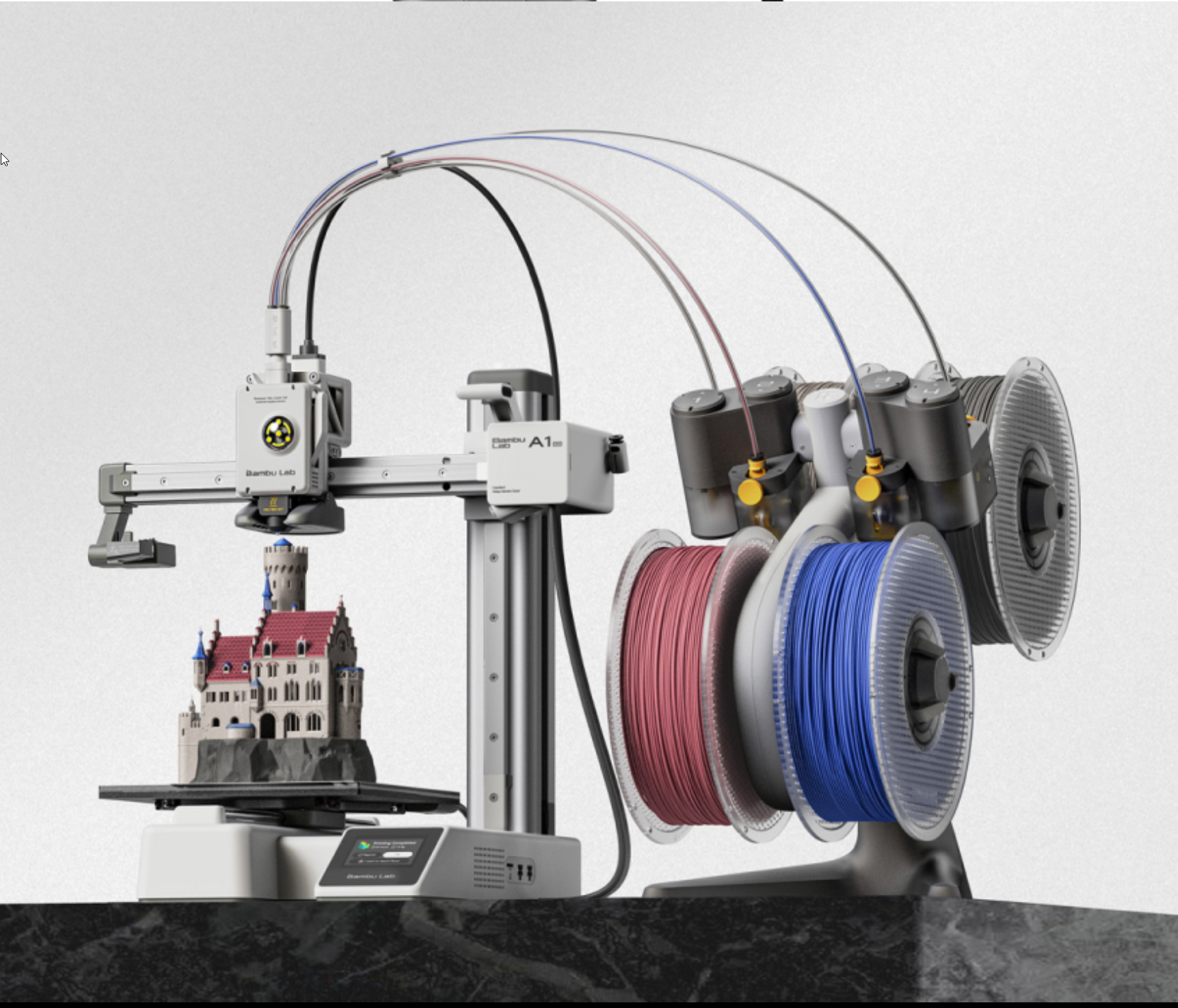
The easiest way to start printing
From S$274.99
Full-size, fully automatic
Price on request
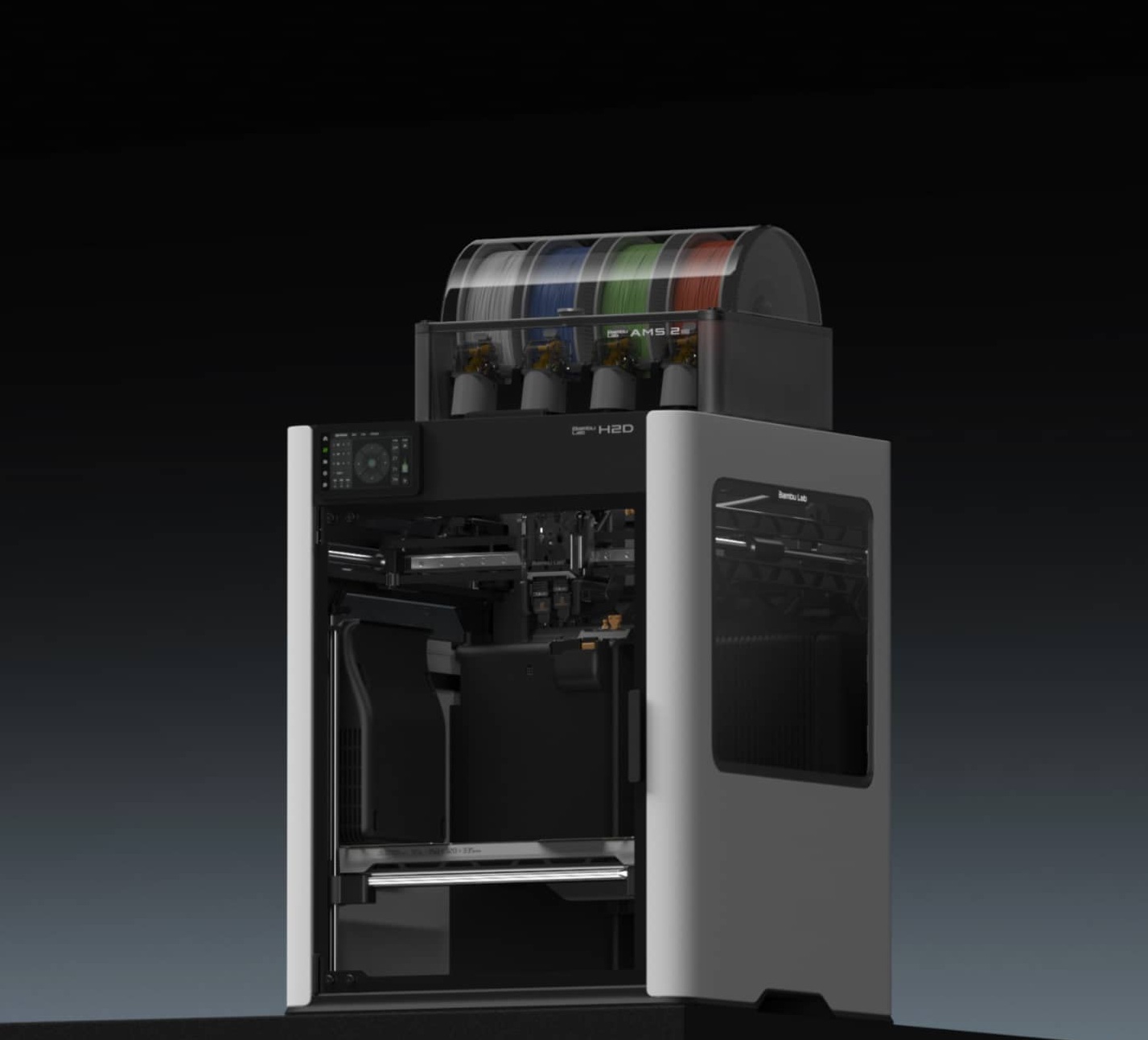
Flagship dual-nozzle large format
From S$2,499